Hello world!
Welcome to WordPress. This is your first post. Edit or delete it, then start writing!

Welcome to WordPress. This is your first post. Edit or delete it, then start writing!
<<<<<Instructions>>>> Step 1 Check the size for the profile picture and open up Gimp and go to >>>FILE>>>NEW>>>TEMPLATE and pick the>>>CORRECT SIZE in this case; 750 in Width, 750 in Height in px should be perfect for all your socials. Step 2 Using the>>>ELLIPSE SELECT TOOL by going to>>>SELECTION TOOLS>>>ELLIPSE SELECT and>>>DRAW A CIRCLE…
<<<<<Instructions>>>> Step 1 Open up Gimp and go to >>>FILE>>>NEW>>>TEMPLATE and pick the>>>A4 SIZE; 1080 in Width, 1920 in Height in px Step 2 >>>OPEN up>>>FILE or>>>DRAG AND DROP into Gimp making sure it has a transparent background if not there are plenty of free sites online that will remove the background I used…
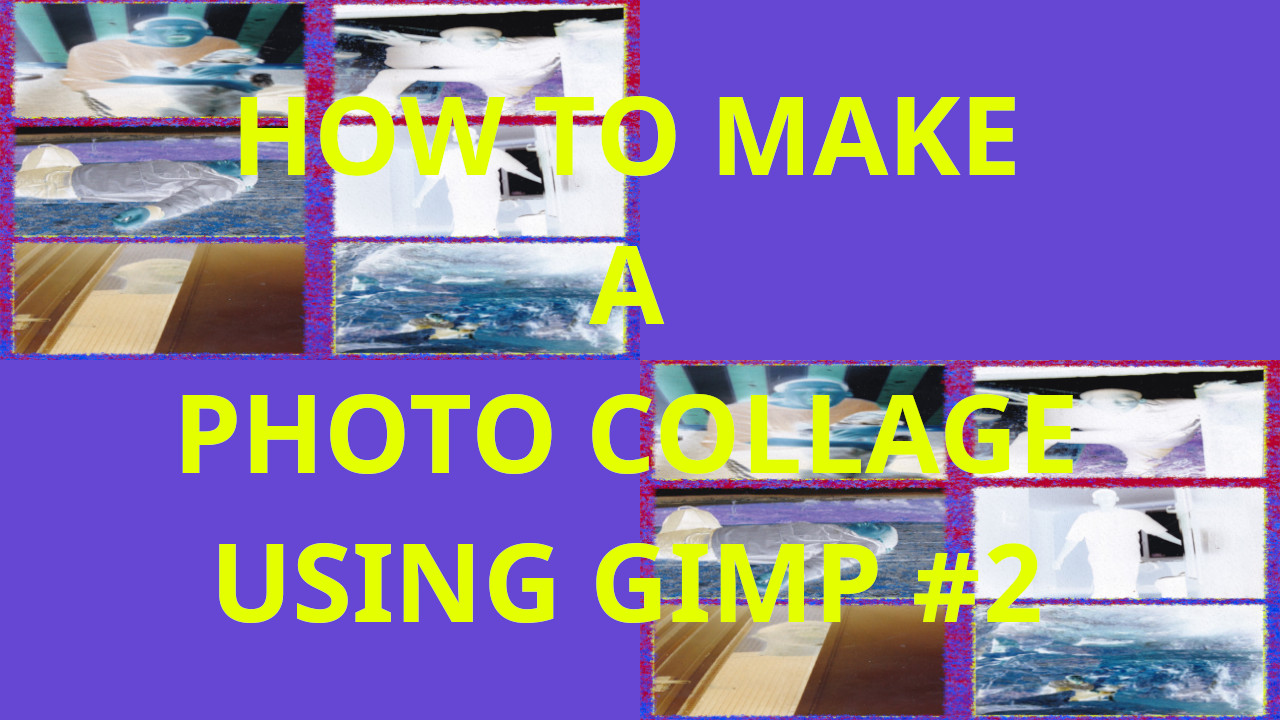
<<<<<Instructions>>>> Step 1 Open up Gimp and go to >>>FILE>>>NEW>>>TEMPLATE and pick the>>>A4 SIZE; 209.97 Width, 297.01 Height in mm. 2480 Width 3508 Height in px Step 2 Go to>>>IMAGE>>>GUIDES>>>NEW GUIDE BY PERECENT and pick>>>DIRECTION>>>HORIZONTAL>>>POSTION (In Percent)>>>50.00 And again Go to>>>IMAGE>>>GUIDES>>>NEW GUIDE BY PERECENT and pick>>>DIRECTION>>>VERTICAL>>>POSTION (In Percent)>>>50.00 Repeat this for how many photos…
<<<<<Instructions>>>> Step 1 Open up Gimp and go to >>>FILE>>>NEW>>>TEMPLATE and pick the>>>A4 SIZE; 209.97 Width, 297.01 Height in mm. 2480 Width 3508 Height in px Step 2 >>LOAD FILE or >>>DRAG AND DROP file into Gimp. You can use the resize tool or use shortcut>>>HOLD SHIFT and PRESS R to resize the picture….
<<<<<Instructions>>>> Step 1 Open up Gimp and go to >>>FILE>>>NEW>>>TEMPLATE and pick the>>>A4 SIZE; 209.97 Width, 297.01 Height in mm. 2480 Width 3508 Height in px Step 2 >>LOAD FILE or >>>DRAG AND DROP file into Gimp. You can use the resize tool or use shortcut>>>HOLD SHIFT and PRESS R to resize the picture. You…
<<<<<Instructions>>>> Step 1 Open up Gimp and go to >>>FILE>>>NEW>>>TEMPLATE and pick the>>>A4 SIZE; 209.97 Width, 297.01 Height in mm. 2480 Width 3508 Height in px Step 2 >>LOAD FILE or >>>DRAG AND DROP file into Gimp. You can use the resize tool or use shortcut>>>HOLD SHIFT and PRESS R to resize the picture….
<<<<<Instructions>>>> Step 1 Open up Gimp and go to >>>FILE>>>NEW>>>TEMPLATE and pick the>>>A4 SIZE; 209.97 Width, 297.01 Height in mm. 2480 Width 3508 Height in px Step 2 Go to>>>IMAGE>>>GUIDES>>>NEW GUIDE BY PERECENT and pick>>>DIRECTION>>>HORIZONTAL>>>POSTION (In Percent)>>>50.00 And again Go to>>>IMAGE>>>GUIDES>>>NEW GUIDE BY PERECENT and pick>>>DIRECTION>>>VERTICAL>>>POSTION (In Percent)>>>50.00 Repeat this for how many photos…
<<<<<Instructions>>>> Step 1 Open up Gimp and go to >>>FILE>>>NEW>>>TEMPLATE and pick the>>>A4 SIZE; 209.97 Width, 297.01 Height in mm. 2480 Width 3508 Height in px Step 2 Go to>>>IMAGE>>>GUIDES>>>NEW GUIDE BY PERECENT and pick>>>DIRECTION>>>HORIZONTAL>>>POSTION (In Percent)>>>50.00 And again Go to>>>IMAGE>>>GUIDES>>>NEW GUIDE BY PERECENT and pick>>>DIRECTION>>>VERTICAL>>>POSTION (In Percent)>>>50.00 Repeat this for how many photos you…
<<<<<Instructions>>>> Step 1 Open up Gimp and go to >>>FILE>>>NEW>>>TEMPLATE and pick the>>>A4 SIZE; 209.97 Width, 297.01 Height in mm. 2480 Width 3508 Height in px Step 2 Go to>>>IMAGE>>>GUIDES>>>NEW GUIDE BY PERECENT and pick>>>DIRECTION>>>HORIZONTAL>>>POSTION (In Percent)>>>50.00 And again Go to>>>IMAGE>>>GUIDES>>>NEW GUIDE BY PERECENT and pick>>>DIRECTION>>>VERTICAL>>>POSTION (In Percent)>>>50.00 Repeat this for how many photos…